Game UI/UX Design Services
At 300Mind, our game UI/UX design company builds interfaces that are visually appealing, accessible, and genuinely easy to navigate, because a confusing menu or a cluttered HUD is one of the fastest ways to lose a player in the first five minutes. We work across mobile, PC, and console titles, shaping the screens, prompts, and player journeys that decide whether someone sticks around or closes the app.
Game UI/UX Design Services Built Around Player Behavior
Your interface is the first thing a player touches, and often the reason they stay or bounce within the first few minutes. Whether you need mobile game UI design for a touchscreen experience or a full game UI/UX design system for a PC or console title, our team builds interfaces around how your specific game is actually played, not a generic template.
Game UI/UX Prototyping
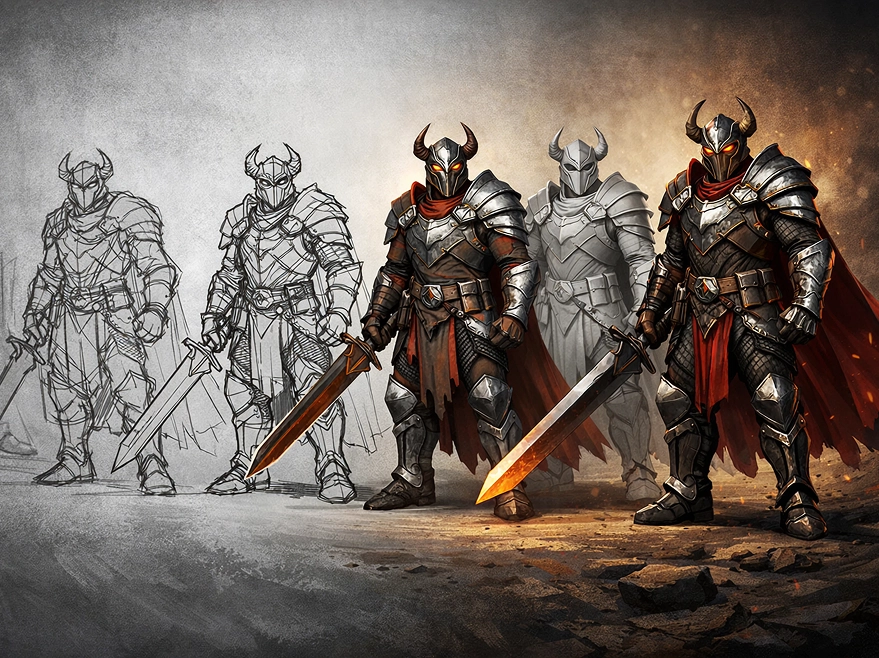
Before any final art gets built, we map your game's concept and theme into low-fidelity wireframes and high-fidelity, clickable prototypes. This lets you test navigation logic and interaction flow with real users and catch usability problems while changes are still cheap to make.
Game UI Design
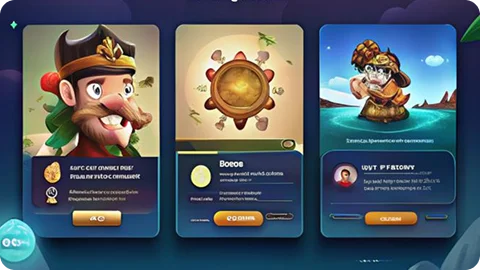
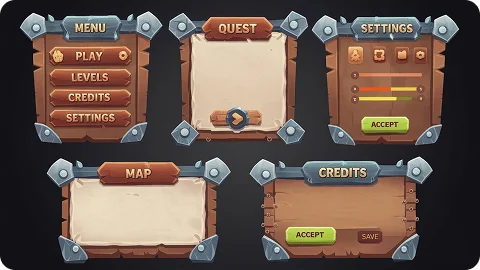
From menus and HUDs to buttons and icons, our game UI designers build interface elements that look good and hold up under real gameplay conditions, with visual hierarchy and consistent styling carried through every screen.
Game UX Design
Our game UX designers study how players actually behave inside a session, then use that research to shape navigation flows, response timing, and onboarding sequences that reduce friction instead of adding to it.
Game Branding and Design System
We build a full design system for your game, covering style guides, reusable UI component libraries, and branding rules that keep in-game interfaces and outward-facing marketing materials looking like they came from the same title.
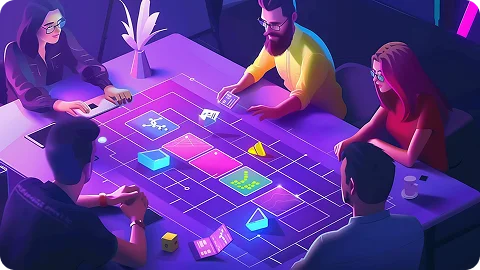
Game UI/UX Strategy
Before pixels get pushed, we sit down with you to define design goals, build player personas, and map the player journey end to end, turning that into a game UX strategy your team can actually build against.
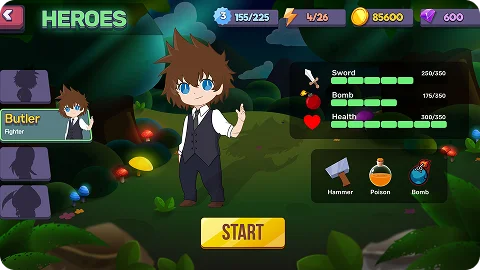
Game UI Motion Design
Our motion designers add transitions, micro-interactions, and animated feedback to your interface, so menu changes, HUD updates, and button presses feel responsive rather than static.
Want Players to Enjoy and Stay Engaged With Your Game Longer?
Our game UI/UX design services create interfaces that simplify navigation and remove the friction points that usually cause early player drop-off, which is where most of the damage to long-term retention actually happens.
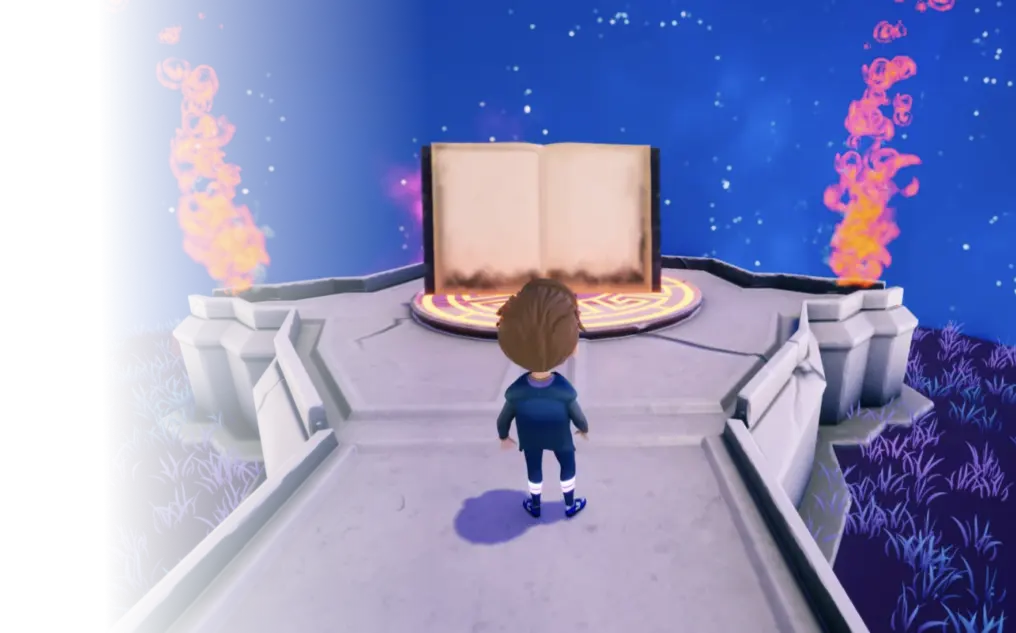
Our Game UI/UX Design Work
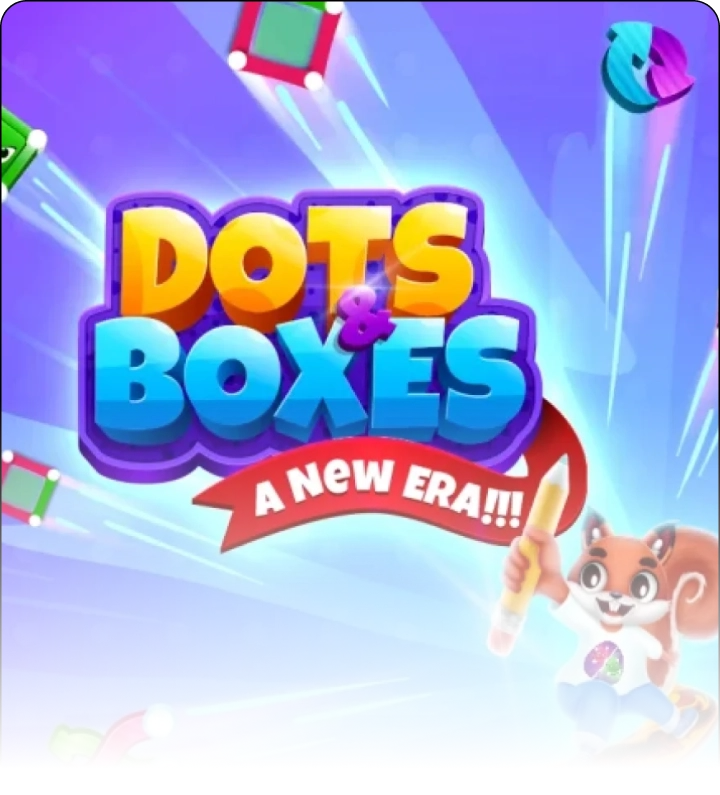
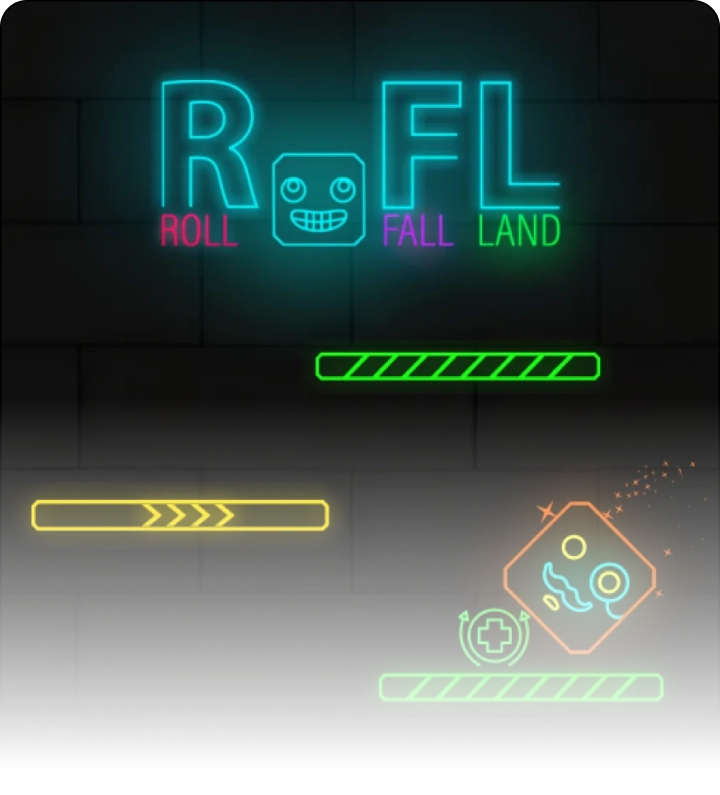
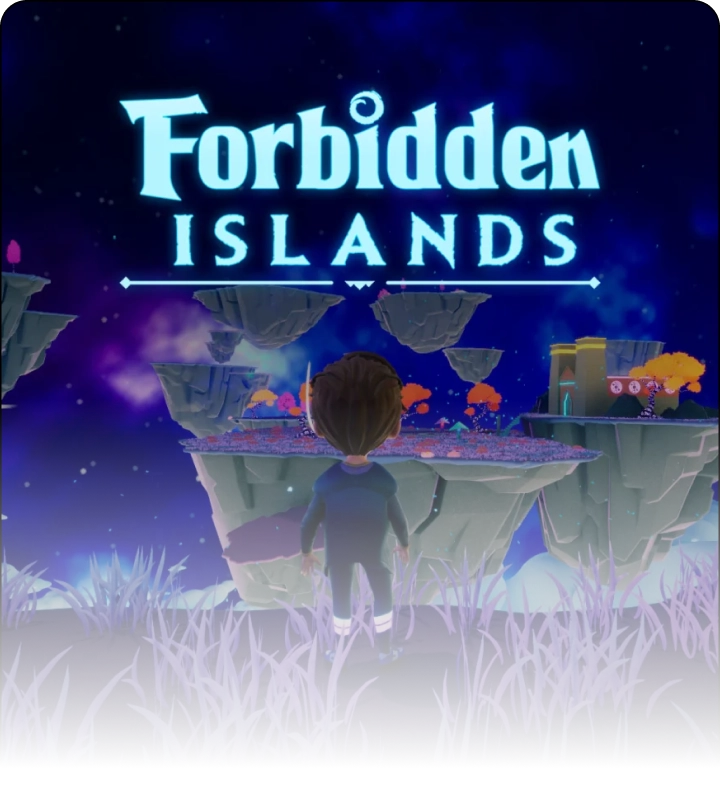
The projects below reflect 300Mind's broader and design work, including titles where our designers contributed to menus, HUDs, and interaction flows alongside the wider production team. Browse the full to see more of this work in context.
Tools & Software Behind Our Game UI/UX Design Process
Every game UI/UX design engagement at 300Mind runs on a mix of visual design, prototyping, and motion tools chosen to fit the deliverable, from static UI mockups through to animated HUD transitions.
Photoshop
Illustrator
After Effects
Figma
Sketch
Framer
Need Experts to Build Intuitive Interfaces for Your Game Experience?
Our game UI/UX specialists design genre-appropriate interfaces that improve usability, sharpen player interaction, and keep people immersed from the first tap or click through to the credits.
Why Choose 300Mind For Your Game UI UX Design Services?
Choosing a game UI/UX design company is as much about process as it is about visual style. Beyond a dedicated design team, here's what shapes how 300Mind approaches every game UI/UX design project:
Usability-First Game UI Design
Every interface we design puts usability first, so each button, menu, and interaction feels intuitive rather than something the player has to learn.
HUDs Built Around Your Game's Mechanics
We design HUDs tailored to your specific mechanics and visual style, surfacing the information a player needs without cluttering the screen or pulling focus from gameplay.
Onboarding Flows That Reduce Player Drop-off
We design onboarding sequences that ease players into your game world gradually, cutting the early friction that's one of the most common reasons players quit before session two.
Game UX Design Backed by Player Feedback
Our process runs on continuous feedback loops, with usability insights feeding back into the design at every stage rather than being treated as a final checkbox before launch.
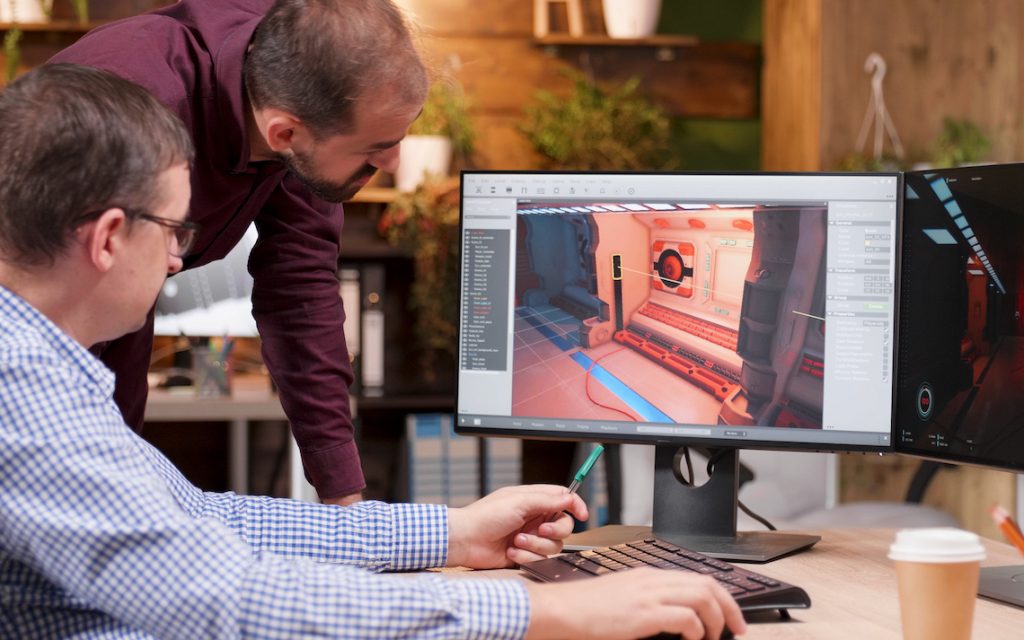
Who We Are
300Mind’s combines design craft, gaming experience, and UX research to build interfaces players don't have to think about. Our specialists turn a game concept into a player journey that actually gets tested before it ships.
Games
Developed
2D
Artists
Game UI/UX
Designers
Total Game
Downloads
2D & 3D
Artists
Avg. Game
Rating
Game UI/UX Design Insights & Trends
Guides and insights from 300Mind's design team on game UI/UX design, mobile game design trends, and what actually makes a game interface easy to use.
The Mobile Game Design You Never Knew - Detailed Guide!
For better or worse, the mobile gaming business has evolved significantly over the past decade, forging its own design identity. Even the statistics revealed that mobile gaming now accounts for 52% of all worldwide game revenue in 2021, by far the largest gaming market.
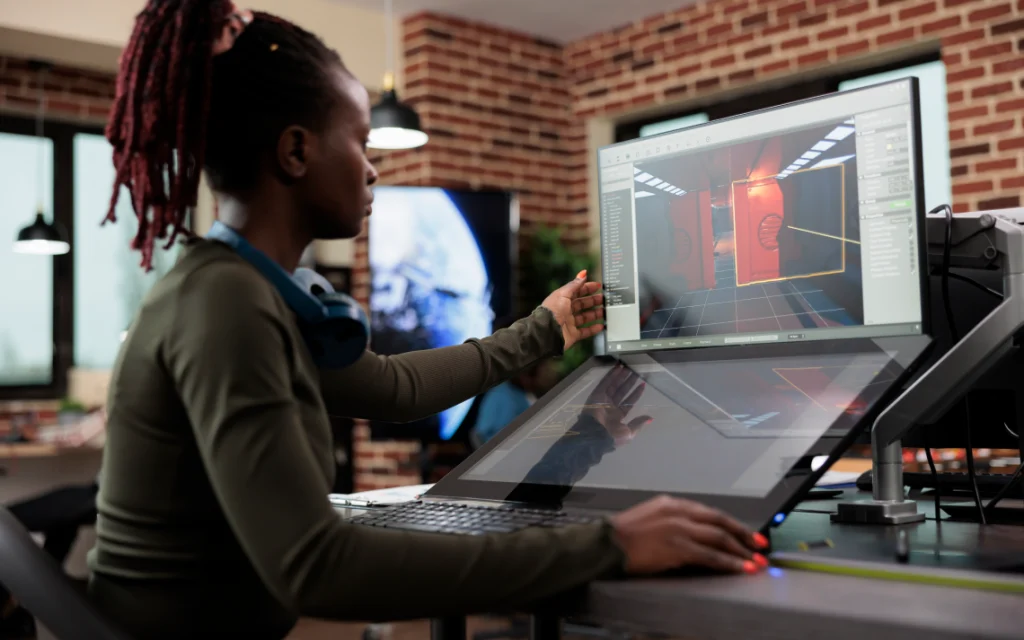
How to Design Engaging Game Art That Elevates Mobile Gaming Experience?
The visual style sets benchmarks for players’ commitment to the game. Hence, your game’s visual aesthetics should take your game design in a much more meaningful and storytelling way that elevates your gamers’ excitement level to cloud nine.
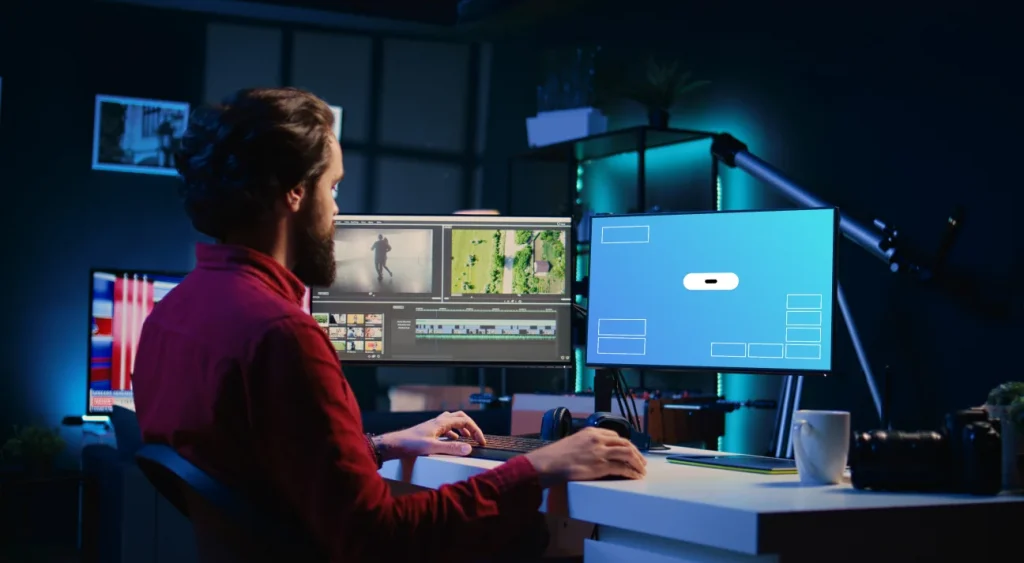
Why Game UX Matters in Game Development?
Game user experience(UX) is one of the reasons that rules the player engagement matrix of a game and contributes to the overall success of the game. To assist you in getting your game's UX right, this blog will provide you with a fundamental understanding of it, along with its importance, key UX elements for different…
What Our Clients Say About Working With 300Mind
Feedback from clients who’ve worked with 300Mind’s game development and design team, on the projects and priorities that mattered most to them.
The level of creativity and attention to detail helped us turn our game concept into a polished, high-performance experience. The 300Mind team understood our vision and delivered a game that felt engaging from the very first interaction.
Steven Musk
CTOWe hired 300Mind for 3D game assets modeling, and the quality of the work stood out from the beginning. The team understood our art direction, maintained consistency across assets, and suggested improvements that made the overall game experience even better.
Padró Vasquez
Game ArtistIt was an amazing experience working with the 300Mind team. They helped us bring our game mechanics and visual ideas together while keeping performance in mind. Their responsiveness and dedication made the entire development process much smoother.
Alex R.
Technical HeadThe 300Mind game artists and developers brought our character concepts to life exactly as we envisioned. From character modeling to textures and animation, the team captured the personality of every character and turned our ideas into game-ready assets.
Chris Warne
Creative Head300Mind helped us transform our game concept into a complete 3D experience. Their understanding of game art, environments, modeling, and real-time development made it easy to move from an initial idea to a polished and playable product.
Laura D’Costa
Chief Operations OfficerThe technical expertise of the 300Mind team was exceptional. From Unreal Engine development and 3D assets to gameplay systems and optimization, they handled the technical challenges efficiently and delivered a stable, high-quality game experience.
Santiago Rios
Director of EngineeringClient Satisfaction
Project Success Rate
Happy Clients
Frequently Asked Questions
Answers to what clients most often ask before starting a game UI/UX design project with 300Mind.
Why is game UI/UX design so important?
A well-designed game UI/UX layer directly affects how long players stay engaged, how quickly they understand core mechanics during onboarding, and how likely they are to return for another session. Confusing menu structures or poorly placed HUD elements are one of the most common reasons players abandon a game in the first few minutes, regardless of how strong the underlying gameplay is.
How do you ensure the UI/UX design aligns with our game's vision and goals?
300Mind's game UI/UX designers start with concept discussions to map your game's genre, platform, and player personas, then turn those inputs into wireframes and interactive prototypes for your review before final art begins. Regular feedback sessions and usability testing checkpoints run throughout the project so the interface stays aligned with your game's identity instead of drifting toward a generic template.
How do you handle iterative design and feedback during the project?
Each UI/UX milestone, from wireframe to high-fidelity prototype to final HUD and menu assets, goes through a structured review involving stakeholder feedback and usability testing with real users. Insights from these sessions are used to refine navigation flows, onboarding sequences, and interface hierarchy before assets are handed off for development integration.
What metrics do you track to measure the success of your game UI/UX design?
300Mind tracks retention rates, session length and frequency, onboarding completion rates, and conversion metrics such as trial-to-paid upgrades to gauge how an interface is performing. These figures are reviewed alongside player satisfaction feedback so HUD layouts, menu structures, and onboarding flows can be refined in later iterations rather than treated as a one-time deliverable.
What level of collaboration and communication can we expect during a game UI/UX design project?
A dedicated project manager is assigned to every game UI/UX design engagement at 300Mind to coordinate between designers and your team, supported by tools such as Notion, Slack, Microsoft Teams, and Azure Boards for day-to-day updates. Clients also get scheduled progress updates and video calls to walk through wireframes, prototypes, and design system deliverables at each stage.
How much does it cost to hire a game UI/UX designer?
The cost to hire a game UI/UX designer typically ranges from $3,000 to $30,000+ per project, depending on the game’s complexity, number of screens, visual style, platform, and interaction requirements.
- Basic Game UI/UX ($3,000–$7,000+): Simple menus, HUDs, buttons, navigation, and a limited number of screens.
- Mid-Level Game UI/UX ($7,000–$15,000+): Custom interfaces, interactive elements, multiple game screens, animations, and responsive designs.
- Advanced Game UI/UX ($15,000–$30,000+): Complex interfaces, extensive screen flows, advanced interactions, animations, custom visual systems, and multiple platforms.
The final cost depends on number of screens, game genre, UI complexity, art direction, animations, platform requirements, and revision scope.
What's the difference between game UI design and game UX design?
Game UI design covers the visual layer, meaning the buttons, icons, menus, and HUD elements players see and tap, while game UX design covers how players move through the experience, including onboarding flow, navigation logic, and overall usability. 300Mind's game UI/UX design services combine both disciplines so the visual interface and the underlying player journey get designed together rather than handed off separately.
Do you design game UI/UX for both mobile and PC or console games?
Yes, 300Mind designs game UI/UX for mobile game UI design projects as well as PC and console titles, adjusting HUD density, touch-target sizing, and menu navigation to match each platform's input method and screen size. A mobile game's UI typically leans on larger touch targets and simplified menus, while a PC or console game can support denser HUDs and more layered control-mapping screens.
How long does it take to complete a Game UI/UX design project?
A Game UI/UX design project typically takes 3 to 12+ weeks, depending on the number of screens, complexity of interactions, visual style, and project scope.
- Basic Game UI/UX: 3–5+ weeks for essential menus, HUDs, navigation, and basic interface elements.
- Mid-Level Game UI/UX: 5–8+ weeks for multiple screens, custom components, interaction design, animations, and user flows.
- Advanced Game UI/UX: 8–12+ weeks for complex interfaces, extensive screen flows, advanced interactions, animations, and multiple platforms.
The timeline can vary based on game scope, number of screens, wireframing, visual design, prototyping, revisions, and integration requirements.
Ready to Build Your Game?
Have a game idea or existing project? Let’s discuss your needs and build the right team for it.
814, City Center 2, Science City Road, Sola, Ahmedabad 380060
Have a Game Idea?
Let’s Build a Game Players Want to Play.